Left screen: your month
Every event and every trip, laid out for the month. It stays put while you work on the right.
 SoKal
SoKal
The social calendar
Your month on one screen. Your friends' plans on the other. See what's coming up and join in with a tap.
 Free on the App Store.
Every event and every trip, laid out for the month. It stays put while you work on the right.
Your next events, your friends' open plans and the weather, in one live rail.
Close it and the cover screen runs the full app. Open it and both screens pick up where you left off.
TimeTree, Howbout and apps like them are built for making plans with people. Howbout gives every plan its own chat and lets the group settle the details with a poll. TimeTree puts a conversation on every event. It all lives on your phone, so you can sort out Friday from the back of a cab.
They run beside your main calendar, though. Work, the dentist and your flight home still live in Google or Apple, so you end up checking two apps to know if you're actually free.
The big calendars keep track of everything, and everything plugs into them. Book a table on OpenTable and the reservation lands on your calendar. Same with a flight from your inbox, a concert ticket or a meeting invite. That reach is their real strength.
But they're pure data entry. You add things, they hold them, and nobody else is in there with you. You can't see what your friends are up to, and there's nothing to join.
Why SoKal?
SoKal sits in the middle. It connects to the calendar you already use, Google, Apple or Outlook, and layers on top of it. You keep every integration you rely on. The OpenTable booking still lands in Google, and it shows up in SoKal next to everything else.
Then SoKal adds what the big calendars never had: your friends. Their plans sit next to yours. You see who's free, who's in town and what's coming up. When Josh posts that he's grabbing coffee, you join in one tap from the same place you check your week.
All the data of a real calendar and the social side of the plan apps, in one place. You stop choosing between them.
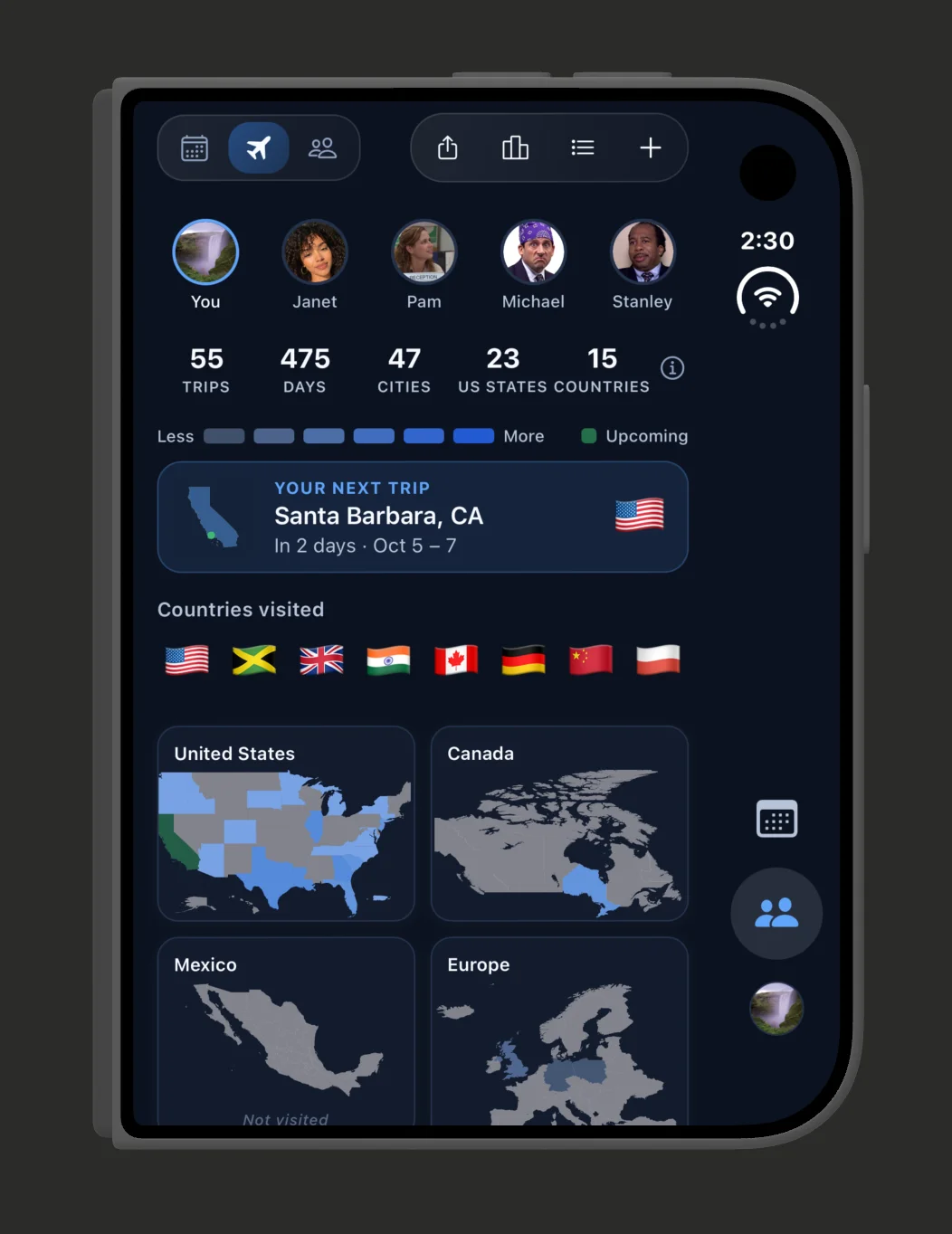
That's why iPhone Duo fits. A calendar that does both jobs needs room for both. Left screen: your month. Right screen: Coming Up, a live rail of your next events and your friends' plans, with the weather.
On one screen those two fight for space. On iPhone Duo they both stay in view. The hardware finally caught up to how a social calendar should work.
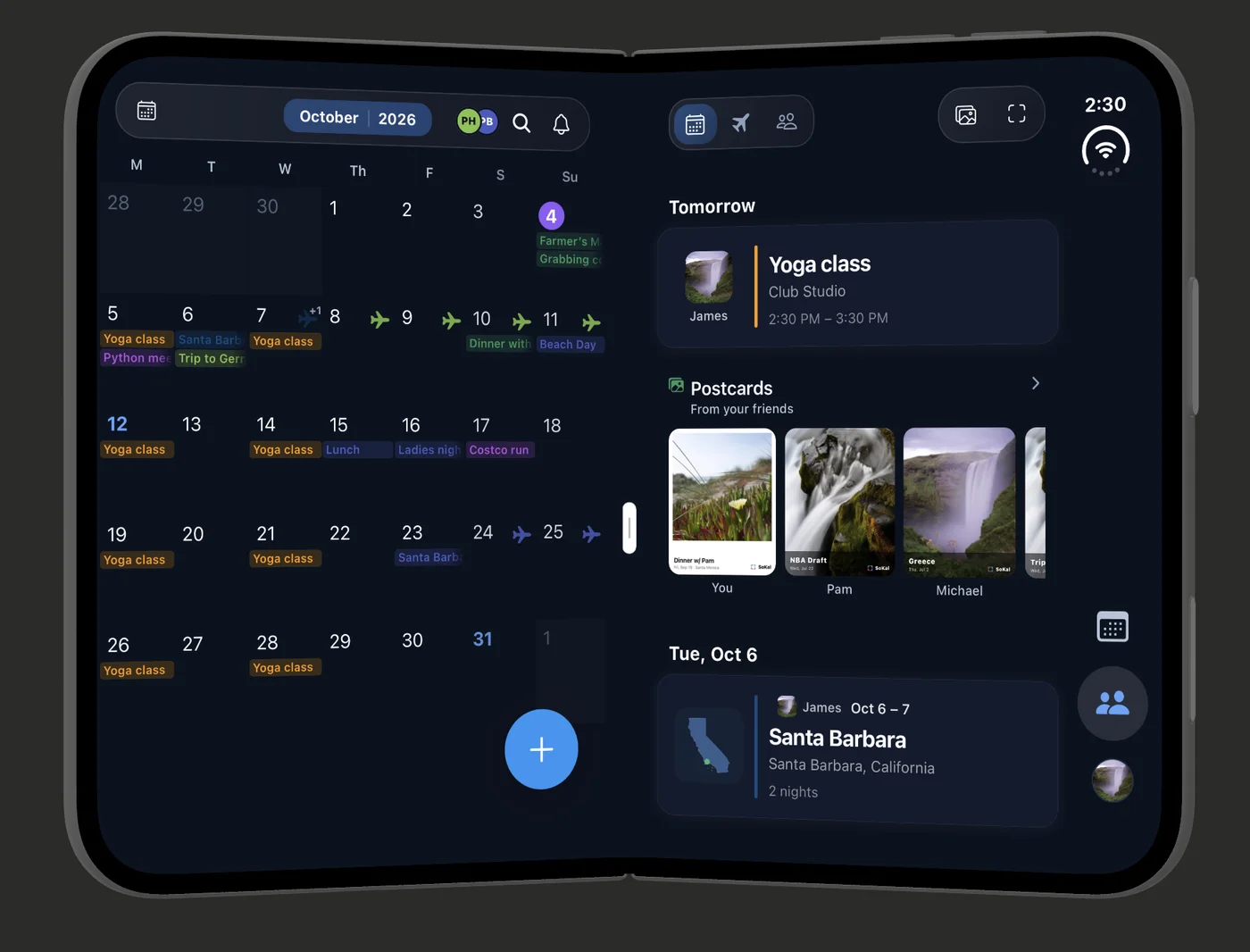
Add an outing and friends can join. Add an errand and they just see Busy.
Free on the App Store.iPhone is a trademark of Apple Inc. SoKal is not affiliated with or endorsed by Apple.
 Why SoKal?